
✨ NEW Content Intelligence is here! Make your content unmissable to AI search
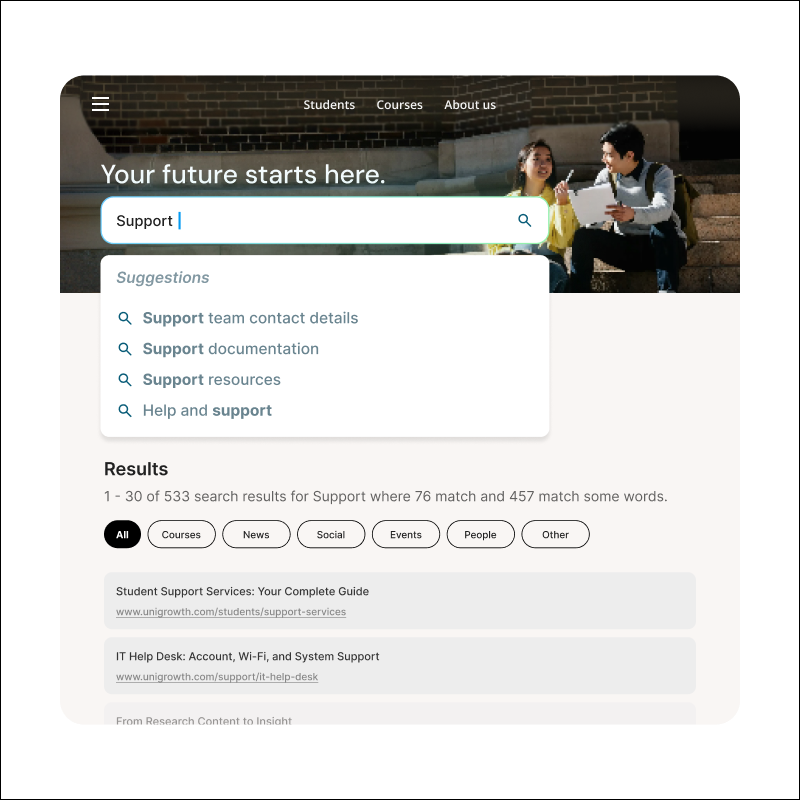
Product mock up image autocomplete

Auto-complete

Guide users with real-time search suggestions as they type. Surface relevant queries, pages, and rich previews instantly, helping visitors find what they need before they finish their search.

Guide visitors before they even hit “search”

Search doesn’t start on the results page. It starts the moment someone begins typing. In those few keystrokes, visitors are looking for confirmation they’re on the right path.

Auto-complete enhances on-site keyword search by predicting and suggesting relevant queries as users type. It draws from your indexed content to surface likely matches instantly, helping visitors refine intent early and reach answers faster. Rich suggestions can also include images, descriptions, and direct links, turning the dropdown into a guided navigation experience.

Icon Rocket

A shorter path to the right results

Real-time suggestions help users find content in seconds, not after multiple search attempts.

Icon of a set of website components

Built from your actual content

Suggestions draw from real words and phrases in your indexed content, not generic predictions.

Icon Mobile Device

Optimized for mobile

Visitors tap suggested queries or deep links instead of typing full queries, making navigation easier on smaller screens.

How it works

Simple, predictive text suggestions

As users type, auto-complete analyzes indexed content and suggests relevant queries in real time. Suggestions reflect actual site terminology, improving accuracy and reducing abandoned searches. No setup required, no data files to upload, just instant suggestions based on what you've published.
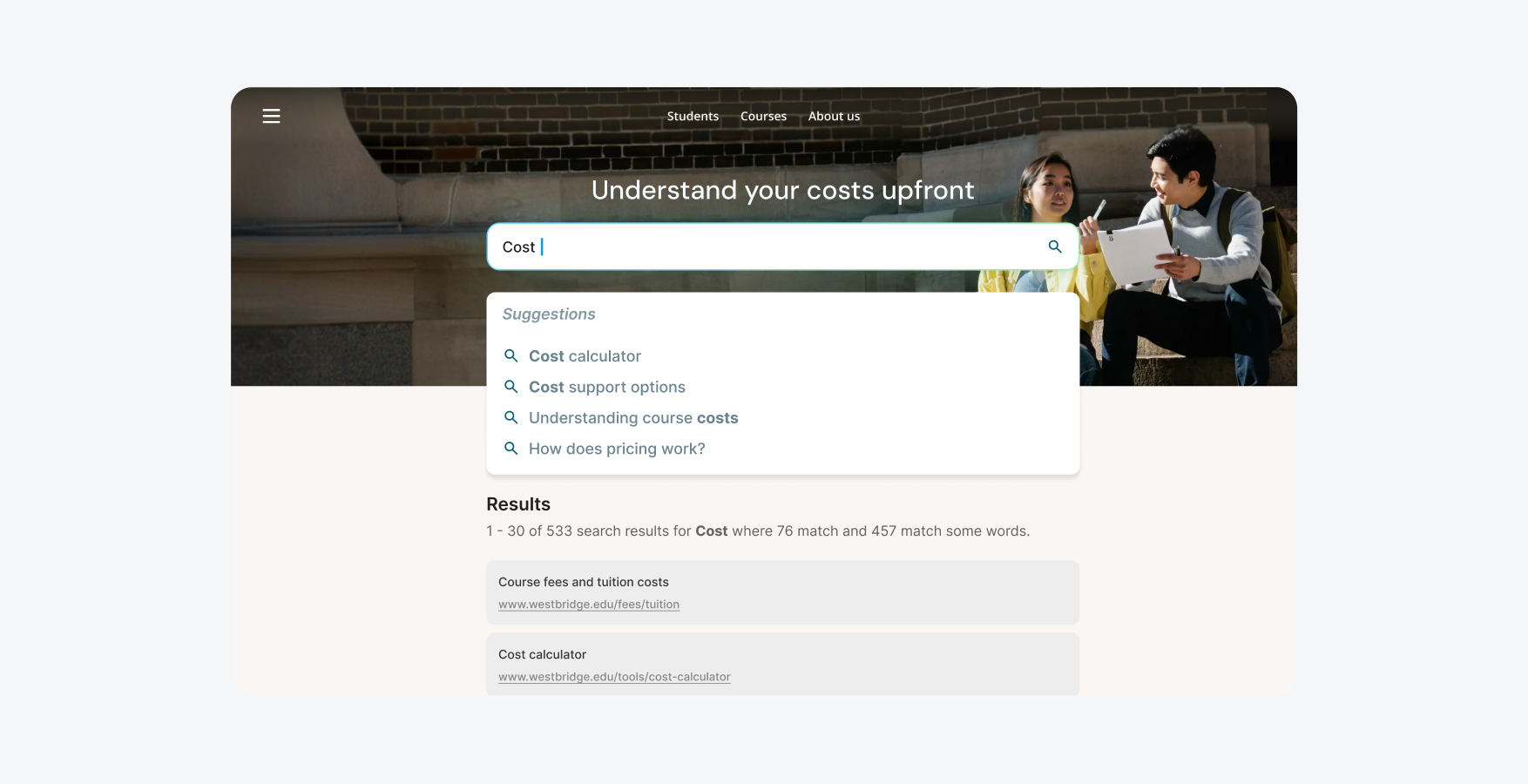
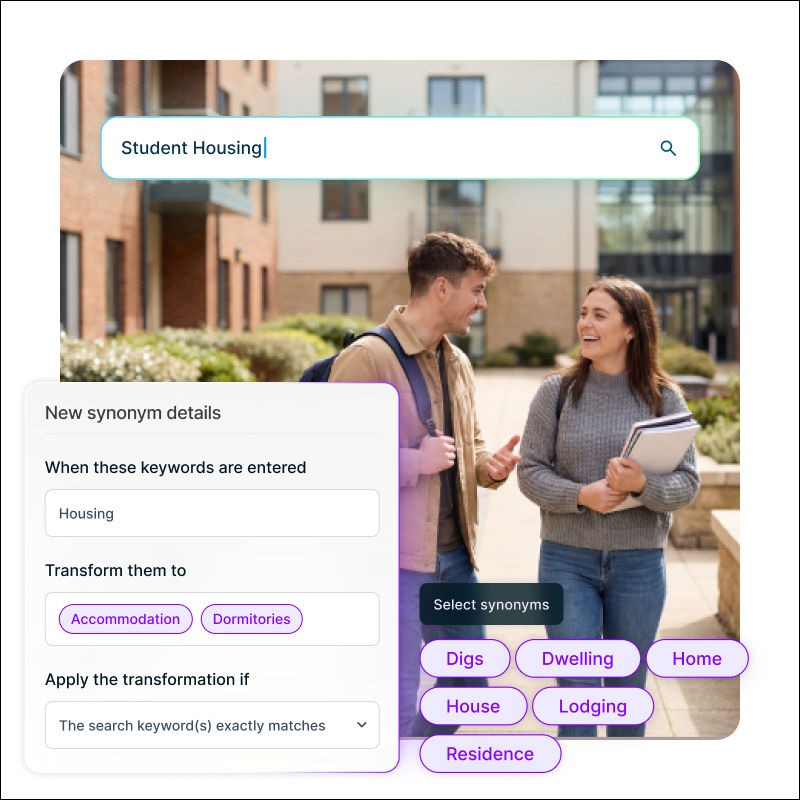
Example Squiz interface search text suggestions

Visual previews to improve click-through

Go beyond text-only suggestions with structured auto-completion. Display thumbnail images, detailed descriptions, and organized categories in your search suggestions. Visitors can browse visually and find the right content faster, reducing abandoned searches. Perfect for staff directories, course catalogs, service listings, or any content where visual context helps users make decisions.

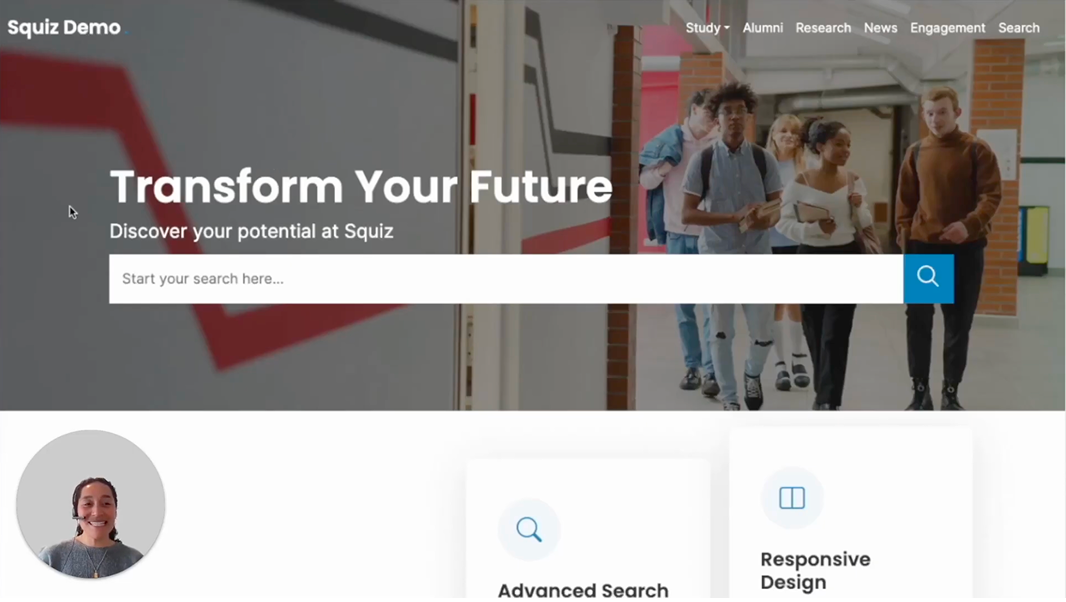
Video: See it through a visitors’ eyes. Captions and transcript available on playback.

See it through a visitors’ eyes

Watch how visitors experience auto-complete as they type, finding exactly what they need without finishing their query.

Frequently asked questions 

Simple auto-completion suggests search terms based on your content. When visitors click a suggestion, it runs a search for that term. Structured auto-completion displays richer previews with images, descriptions, and categories. You can configure these suggestions to take visitors directly to a specific page, add keywords to refine their search, or display useful information like contact details from a staff directory.