
✹ NEW Content Intelligence is here! Make your content unmissable to AI search
Product mock up image visual page builder

Visual Page Builder

Create and publish professional, responsive pages in minutes using drag-and-drop components. Built-in layout controls and brand guardrails keep every page consistent, while role-based permissions maintain governance at scale.

Build pages in minutes, not days

Image of computer cursor

No-code tools for marketers

Only 26% of marketers have the right tech to manage content*. No-code tools empower your team to build and publish on your own timeline.

Icon Tick in Circle

Automatic brand guardrails

Pre-built components with built-in guardrails ensure every page follows your design system, no matter who creates it.

Icon Lightbulb

Built-in personalization and optimization

Run A/B tests, personalize content for different audiences, and add language variants, all from the same visual interface.

Everything marketers need in one visual interface

Build with pre-approved blocks

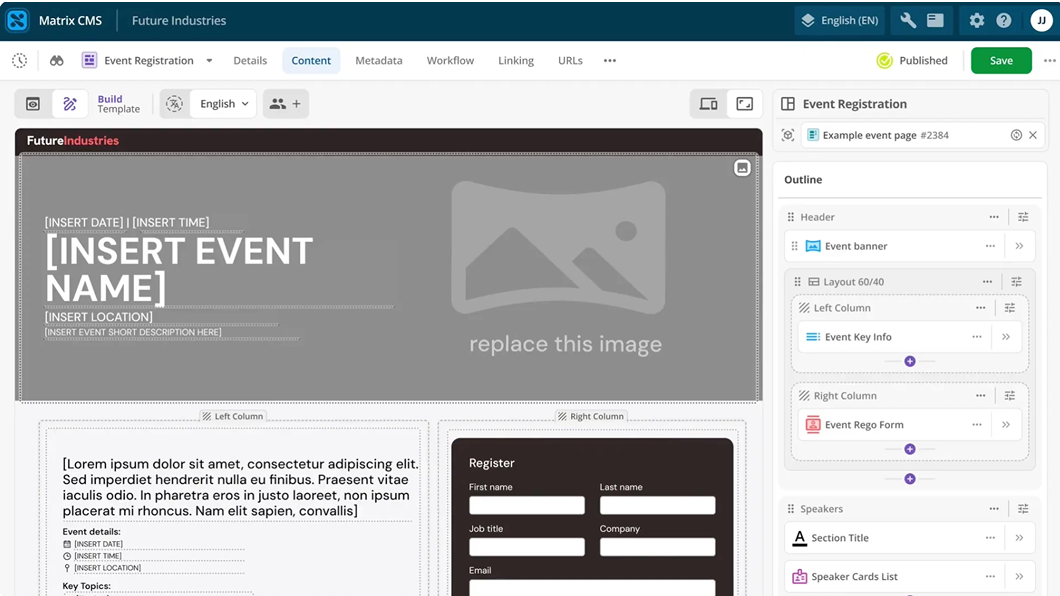
Access your library of brand-compliant components (headers, CTAs, carousels, image galleries, accordion, navigation) and arrange them using responsive, multi-column layouts that adapt across desktop, tablet, and mobile to ensure consistent performance across devices. Save your arrangements as reusable page templates to launch future pages even faster. Because components are locked to brand standards, every page stays on-brand automatically.
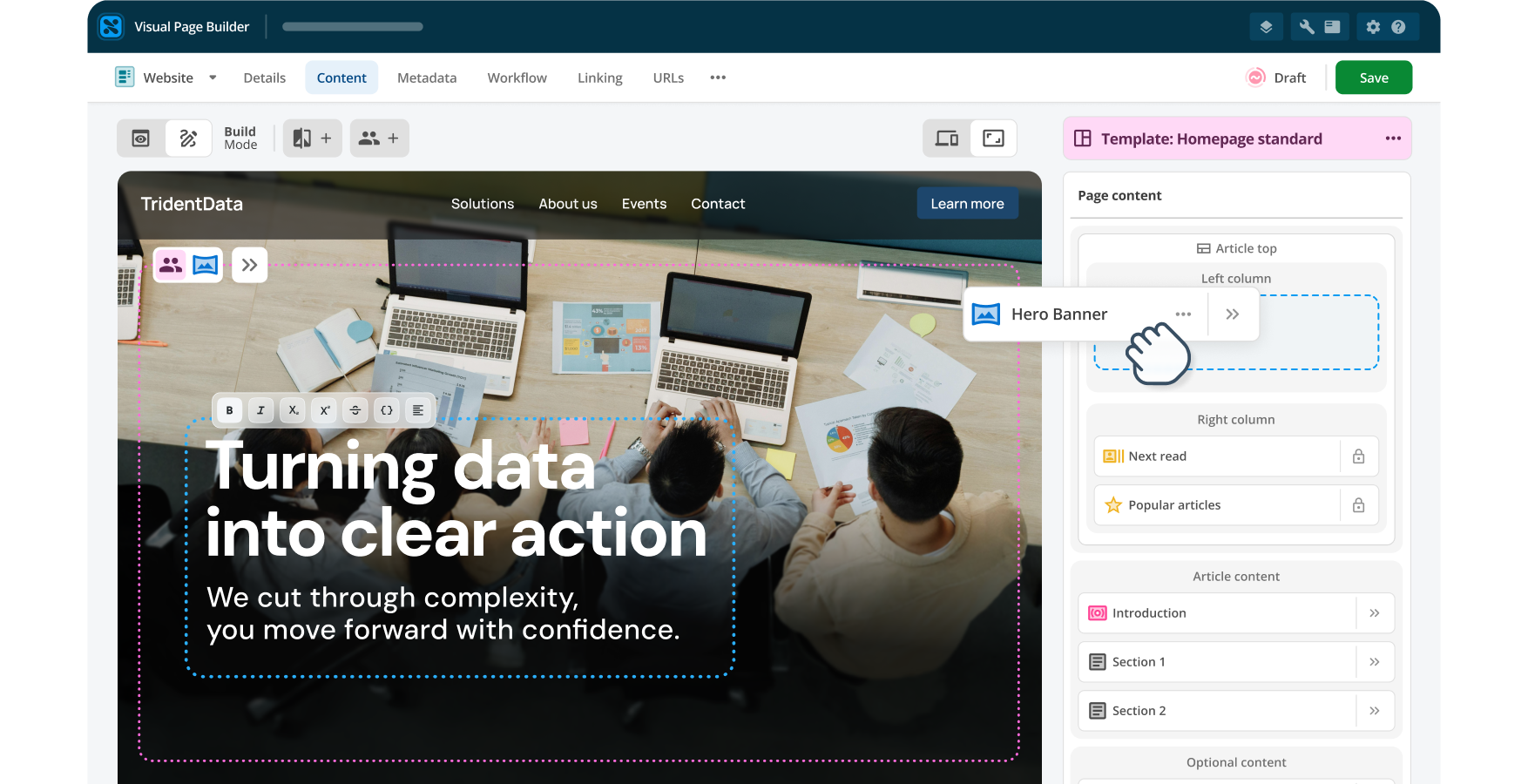
Example Squiz interface component layouts

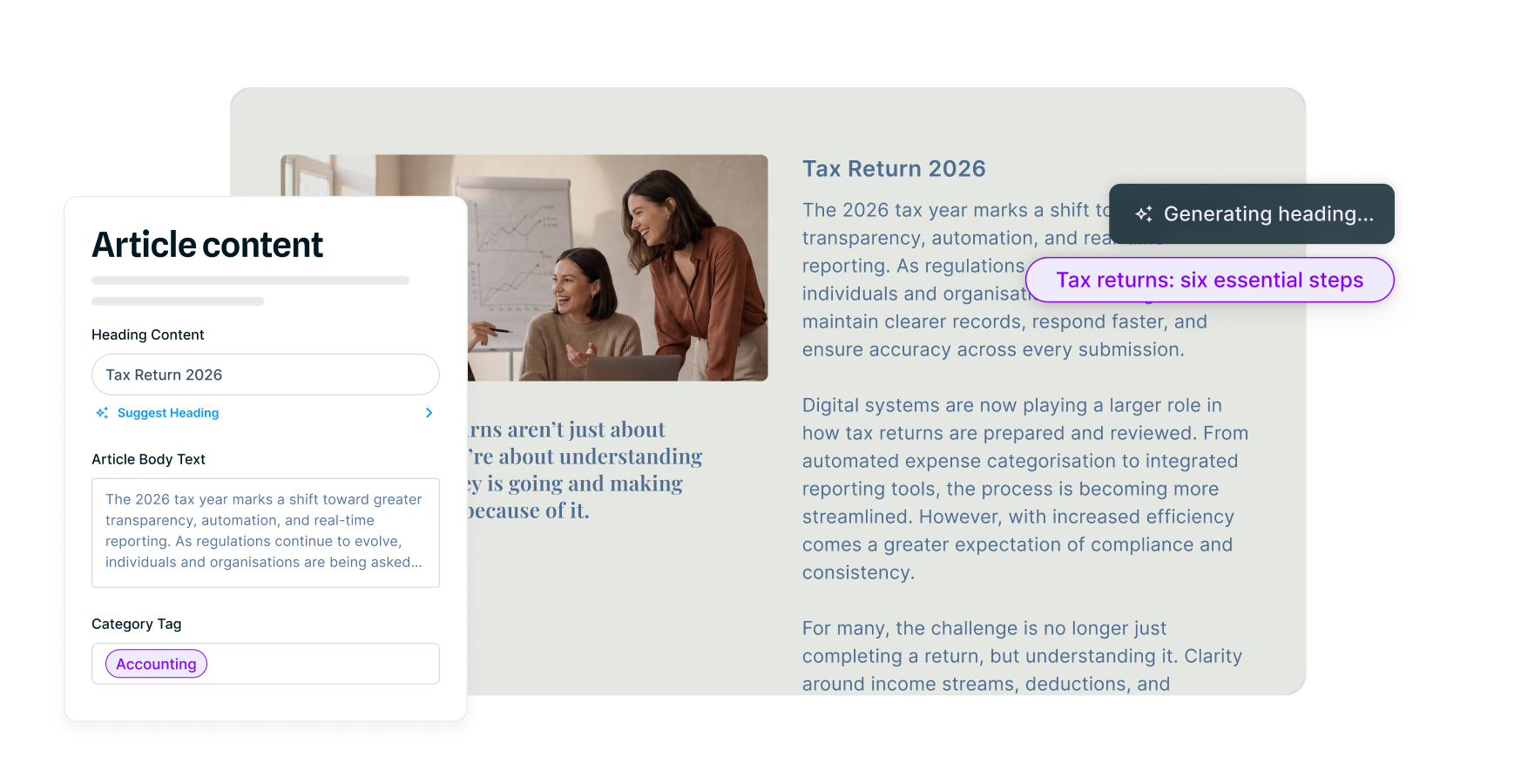
Refine copy in seconds with built-in AI

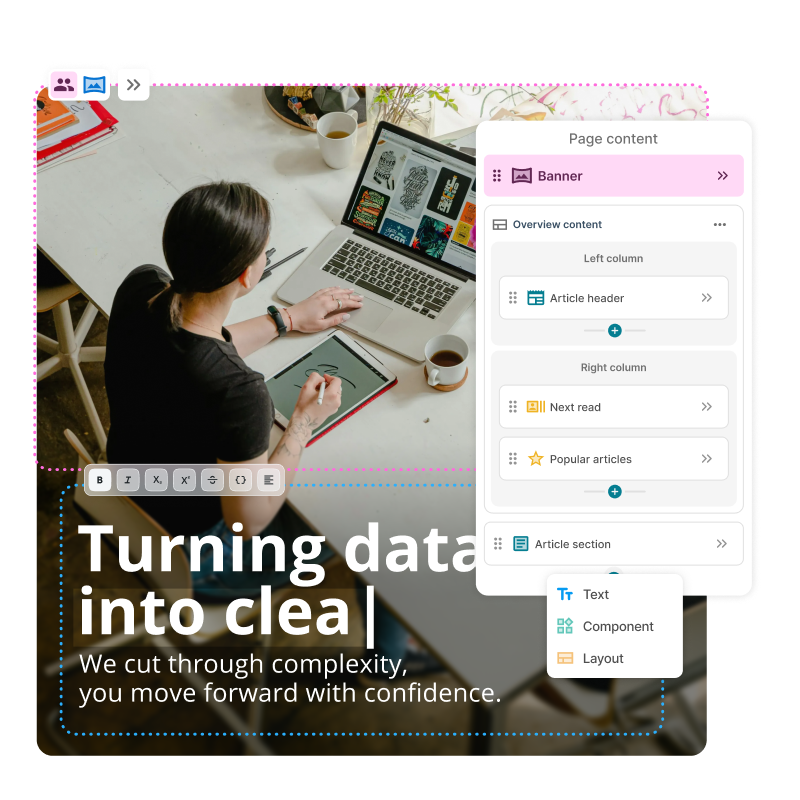
Generate headline variations, adjust tone, or improve clarity using AI prompts that your admins have pre-configured and tested. Guardrails are built into the prompts themselves, ensuring content stays on-brand while giving content creators creative freedom to experiment and iterate quickly.

Example Squiz interface Gen AI content review tools

Create experiences that resonate with your audience

Run A/B tests to see which headlines or CTAs drive better results. Personalize content for different audience segments based on behavior or demographics. Add language variants for global reach. Everything happens right from the page builder without switching tools.

Example Squiz interface showing some elements of Squiz personalization features

Maintain quality standards at scale

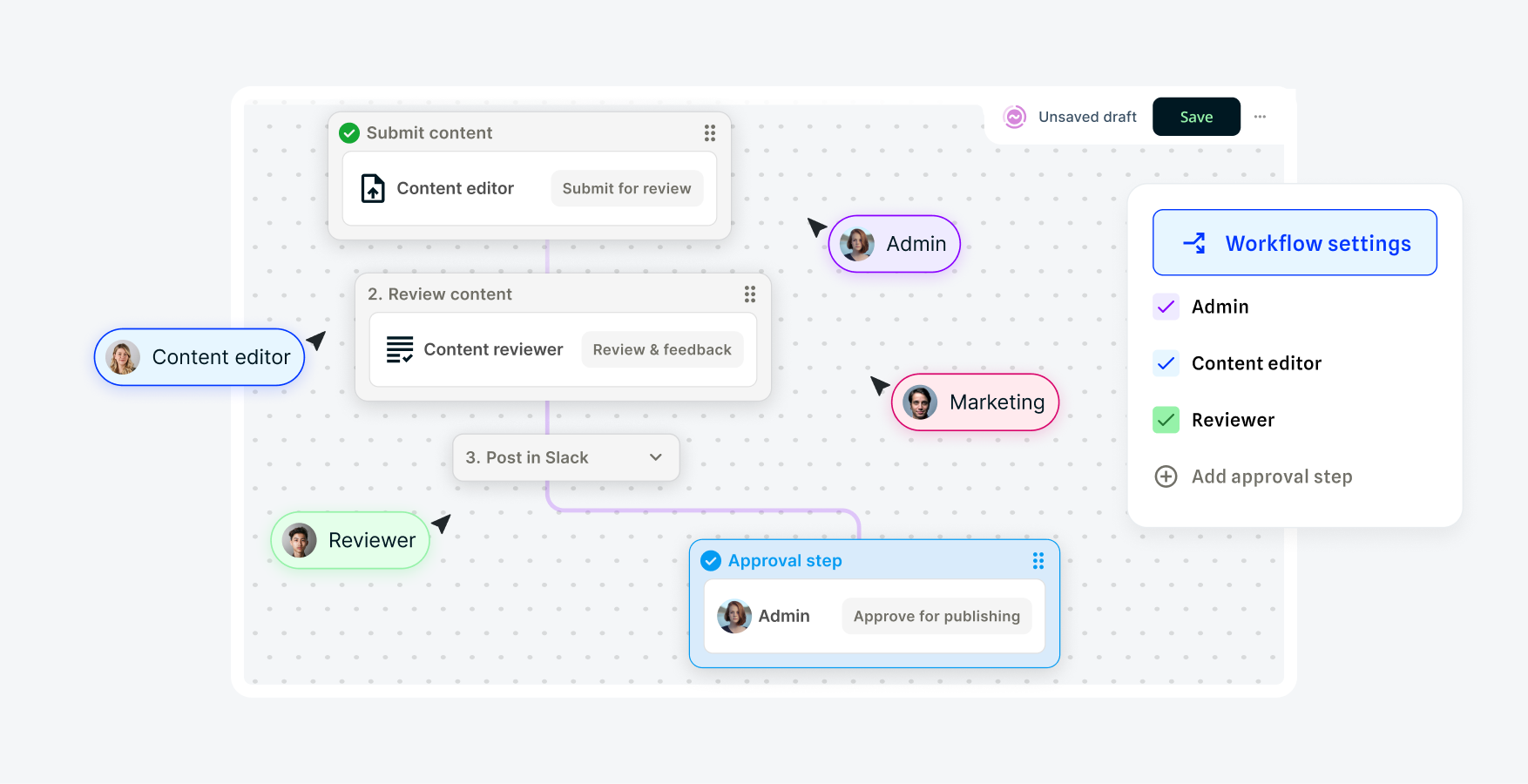
Set approval workflows that match your review process. Track changes with complete version history and restore previous versions when needed. Role-based permissions control who can create, edit, approve, or publish pages.

Example Squiz interface showing Squiz DXP roles and user permissions

📄 Edit content directly in the page preview

Click any text, image, or element to edit it instantly. No separate preview needed, no switching screens. What you see while editing reflects exactly what your users see, reducing publishing errors and review cycles.

Video: An all-too-familiar scenario. Captions and transcript available on playback.

An all-too-familiar scenario

Last-minute event page? No problem. Watch a marketer go from brief to launch in under a day, handling everything from layout to personalization independently.

Benefits at a glance

Brand-approved assets 

Search your asset library to find and place approved images, logos, and PDF files directly on your page in seconds.

Mobile responsiveness 

Preview how content looks across different screen sizes before publishing to ensure optimal experiences across every device.

Multilingual pages 

Create and manage multilingual pages without duplicating workflows. Build once, then adapt for any language or region.

Streamlined approvals 

Route pages through custom approval workflows. Brand guardrails built into the page building process make approvals straightforward.

Multi-site management 

Build pages for all your sites from one place. Access shared components and templates without switching platforms or recreating content.

Cost savings 

Eliminate expensive developer time on routine page changes and redirect your team to innovation and strategic projects.

Try it yourself 

Experience how fast you can build a webpage and run an A/B test directly within the interface. No developer help required.

Frequently asked questions 

Visual Page Builder empowers both technical and non-technical teams. Developers build foundational components using familiar programming languages, creating building blocks that marketing teams can independently use to create, personalize, and A/B test pages without ongoing development support. Developers focus on strategic, high-impact projects while marketing teams execute and optimize initiatives faster, creating a win-win for both teams.