
✨ NEW Content Intelligence is here! Make your content unmissable to AI search
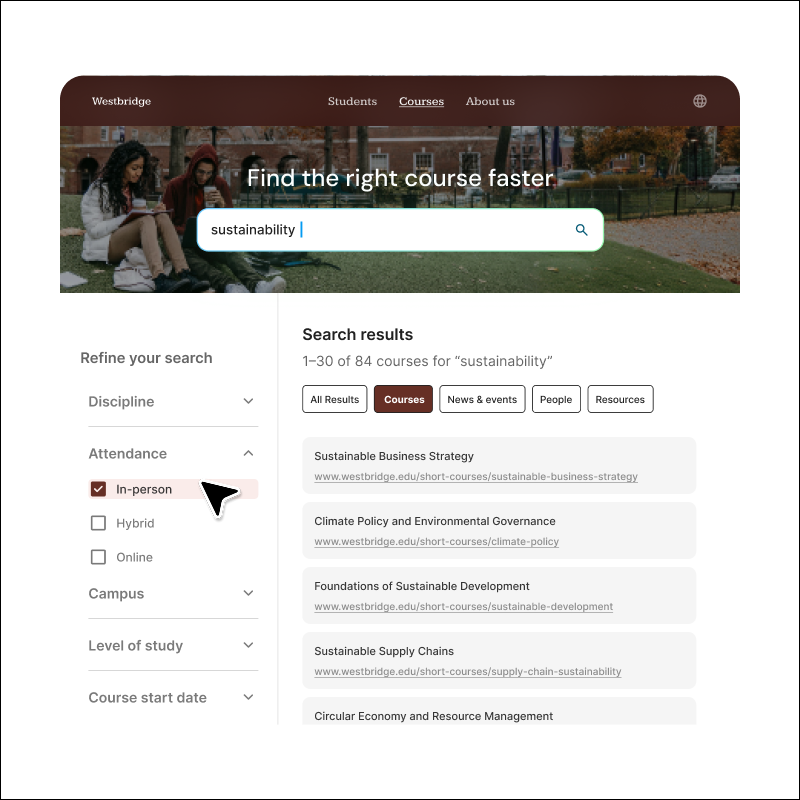
Product mock up image faceted navigation

Faceted navigation

Let visitors refine search results with intuitive filters that quickly narrow large result sets.

Why is faceted navigation key to a quality site search experience?

When a site search experience results return hundreds - or even thousands - of matches, visitors need a fast way to focus on what matters. Faceted navigation uses structured metadata and indexed fields to generate filters that reflect your content model. As users apply filters, filter options and result counts update in real time, ensuring only relevant choices remain visible. The result is a guided search experience that adapts as visitors refine their query.

Icon Search

Visitors find what they need faster

Visitors drill down through easy-to-use filters to find exactly what they need, without multiple searches or endless scrolling.

Icon Folders

Content stays navigable at scale

Complex content repositories stay navigable as you grow, even when you have thousands of pages across departments and topics.

Icon Search List

Filters reflect your content

Built from your metadata, URL patterns, and content types. Filters match how your organization categorizes information.

Flexible filtering built for your organization

✔️ Filter by categories that make sense to your users

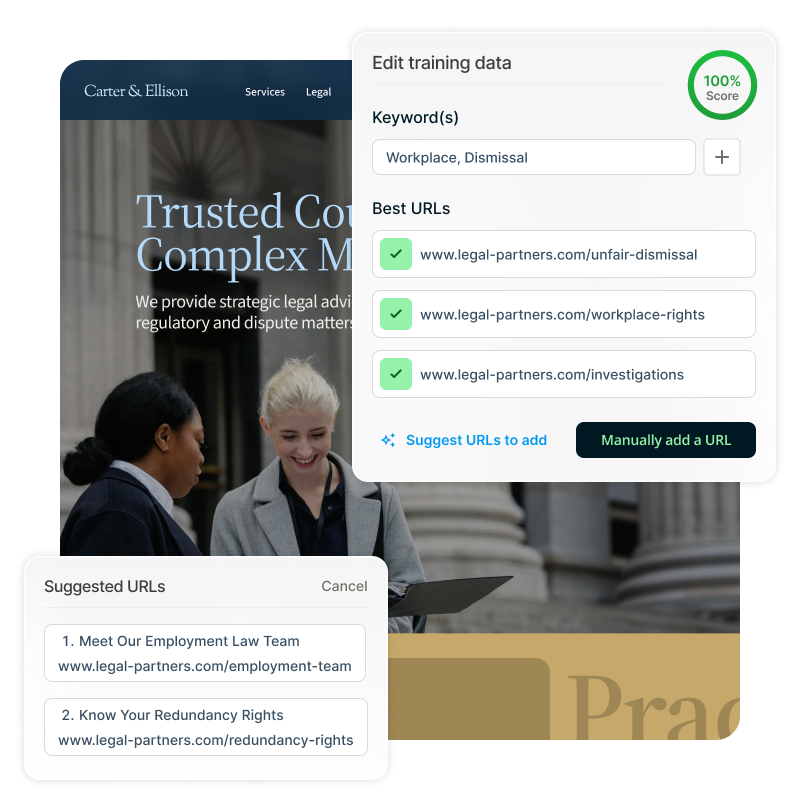
Create filters based on what your audience actually searches for based on structured metadata and indexed attributes. For example, legal updates can filter by practice area, date, and jurisdiction. A prospective student can narrow courses by location, study mode, and program level. Common filter types include content type, date, location, topic and department, document format, and more. Visitors filter using categories that make sense to them.

✔️ Customize how filters appear

Choose from multiple display options that suit different filtering needs including checkboxes, tabs, radio buttons, and hierarchical dropdowns. Complex filtering stays manageable thanks to multi-select filtering, allowing users to apply multiple options within a category (e.g., “United States” and “California”) while combining filters across categories for precise refinement.

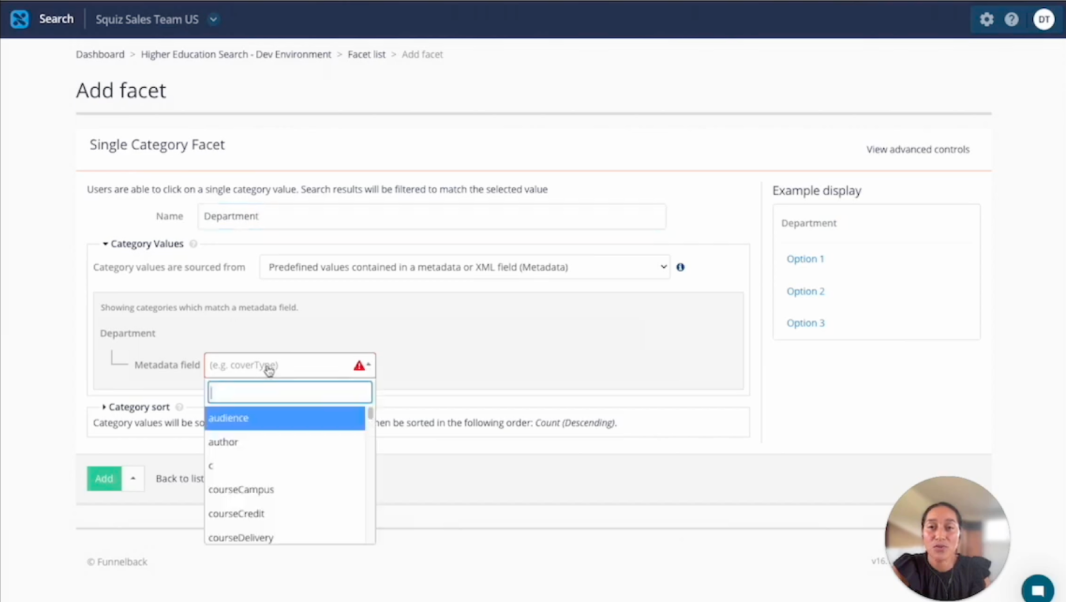
Video: Demo: Applying facets to your site search page. Captions and transcript available on playback.

Demo: Applying facets to your site search page

See how it works. Walk through the setup process and visitor experience on a real search results page.

Frequently asked questions 

The interface for setting up faceted navigation is low-code and accessible to marketers and digital teams. However, most organizations have a developer or technical web admin handle the initial configuration since technical knowledge makes the setup process more straightforward.