✨ NEW Content Intelligence is here! Make your content unmissable to AI search
Product mock up image results curator

Curator

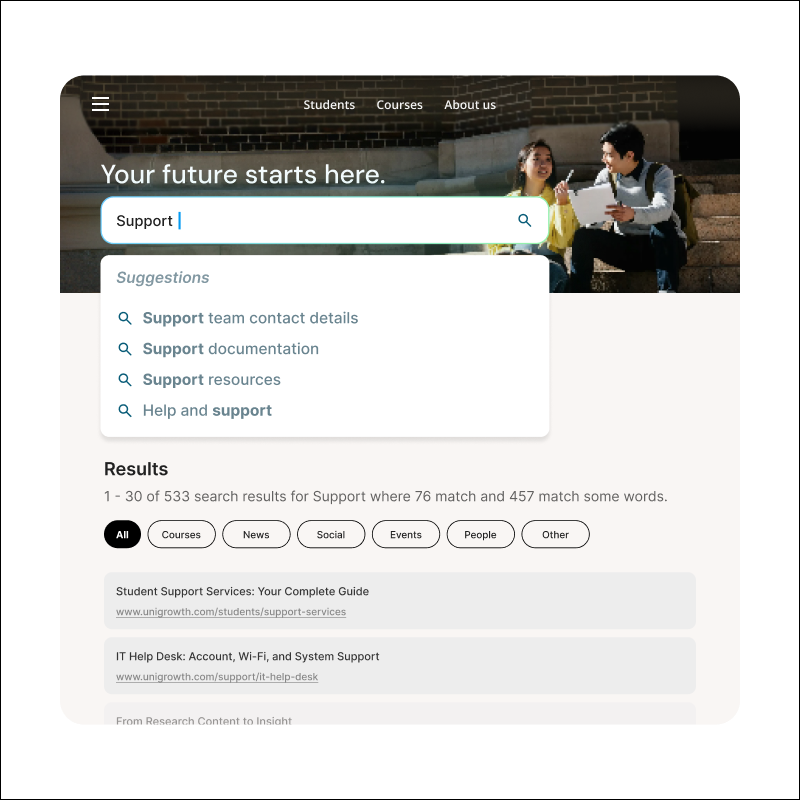
Customize your site’s most important searches. Set rules to promote priority content, refine query terms automatically, and personalize results based on user context, ensuring the right users see the right information at the right time.

Deliver the right results to the right users

Icon Desktop Device 2

Curate what users see

Decide what users see for specific searches. Promote campaigns, surface announcements, or personalize results based on your priorities.

Image of computer cursor

Adapt as needs change

Create rules for specific timeframes or scenarios. Adjust them whenever priorities shift, all through an intuitive interface you control.

Icon of a person with a tick mark

No technical dependencies

Marketing teams can create and manage rules independently. No developer involvement, no tickets, no waiting for support.

Build smarter site search results

Activate rules based on queries or user context

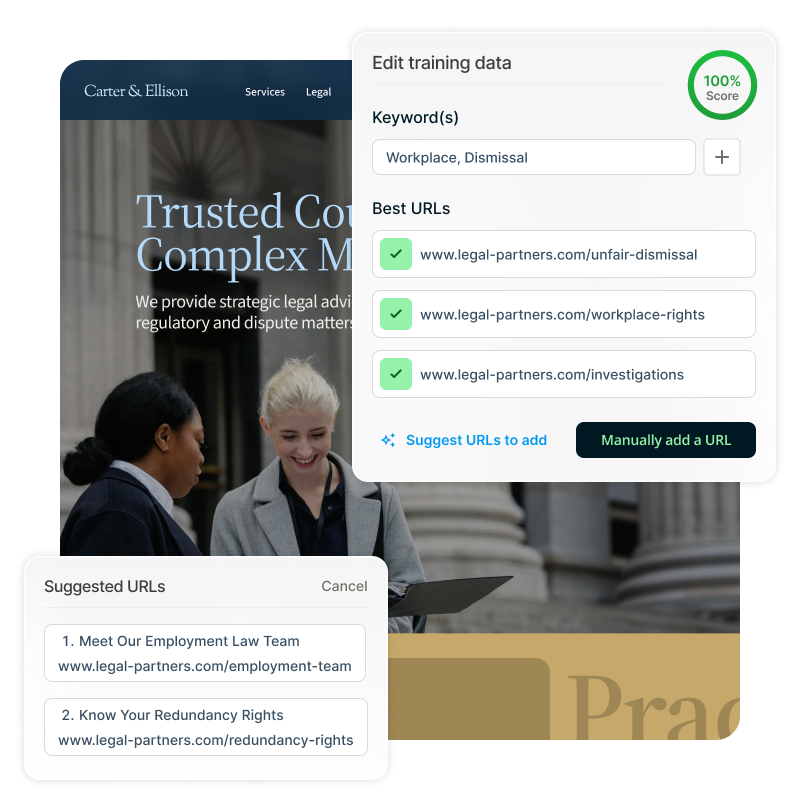
Set triggers based on visitor’s search queries, like specific keywords or phrases. Alternatively, activate rules based on user context like location, date ranges, or audience segment. Combine multiple conditions to create precise rules that activate exactly when needed.
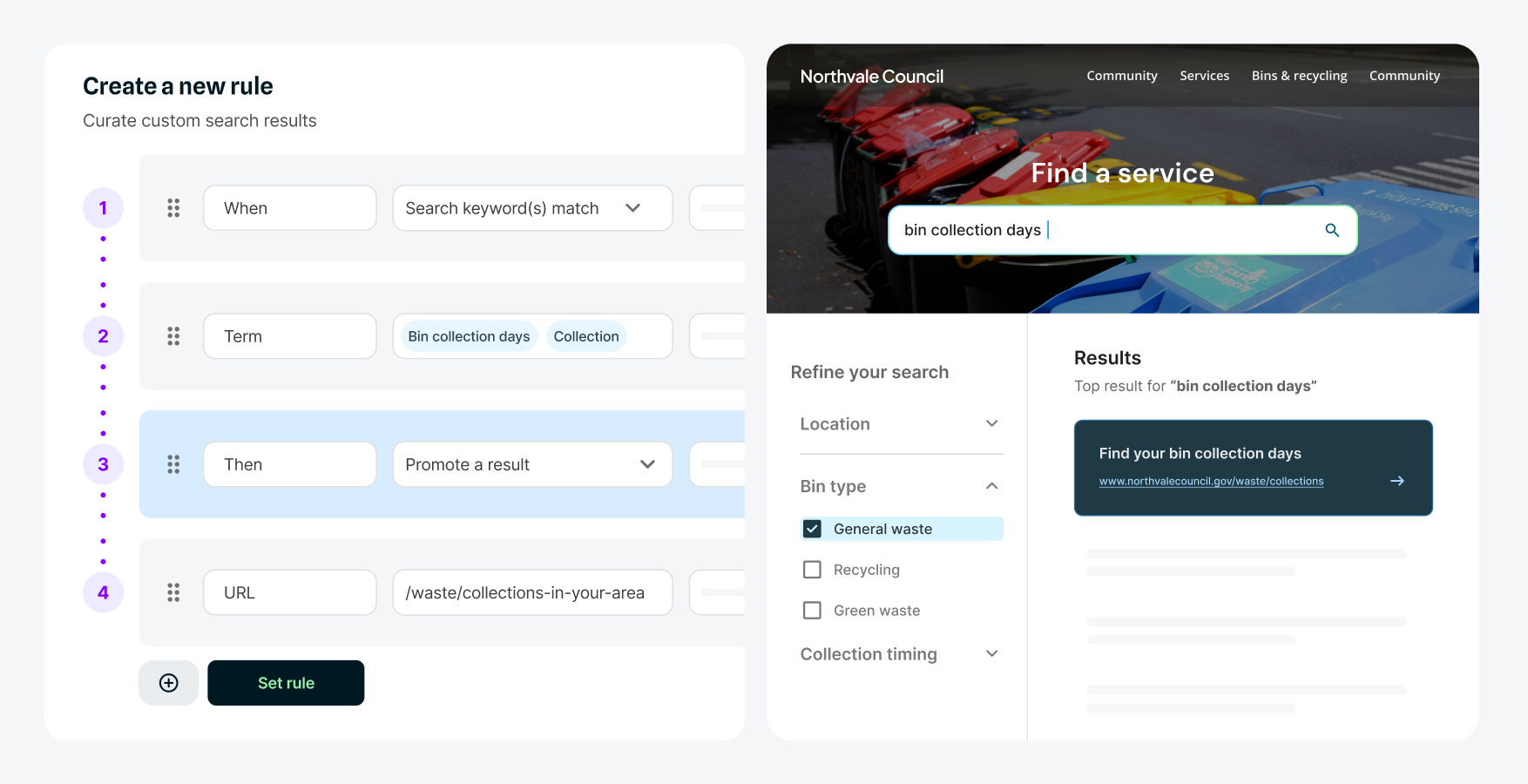
Example Squiz interface search triggers

✔️ Curate search results for different scenarios

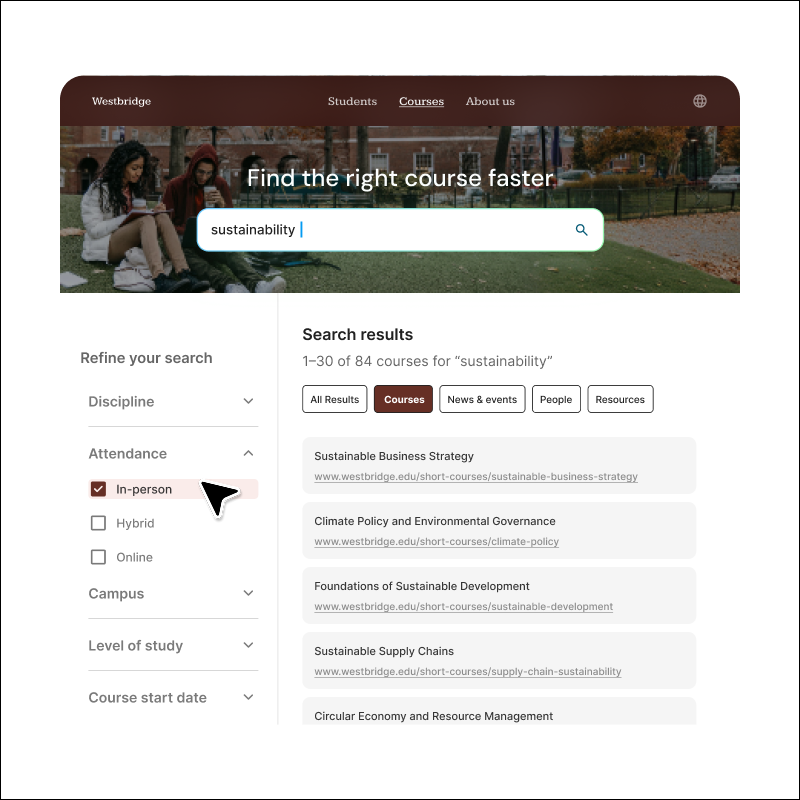
Once triggered, rules can promote specific pages to top positions, display helpful messages or alerts alongside results, automatically refine queries by adding additional terms before searching, and more. Choose from multiple action types to tailor the search experience for every user.

Video: See it in action. Captions and transcript available on playback.

See it in action

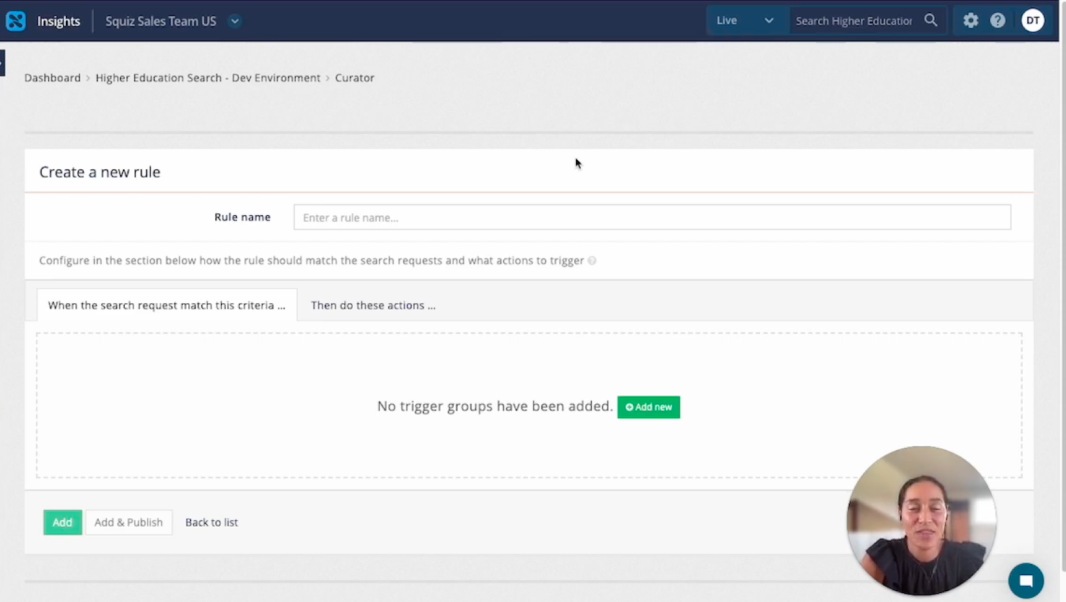
Watch how a non-technical user can build and publish rules in minutes with the curator’s visual interface.

Ways to use the curator

Emergency announcements

Automatically surface urgent content like service disruptions or safety alerts when users search for related terms.

Location-based results

Display region-specific information, office locations, or local services based on where users are searching from.

Seasonal content

Promote time-sensitive information like enrollment deadlines, tax season resources, or event registrations during relevant periods.

Audience segmentation

Promote different content to staff versus public users, or students versus faculty, all from one search interface.

Campaign-specific promotions

Boost landing pages or resources tied to active marketing campaigns when users search for related topics.

Frequently asked questions 

Anyone on your marketing or digital team can create and manage curator rules through the visual interface. No coding knowledge or developer support is required to set up triggers and actions.