Integrate with popular tools, out-of-the-box
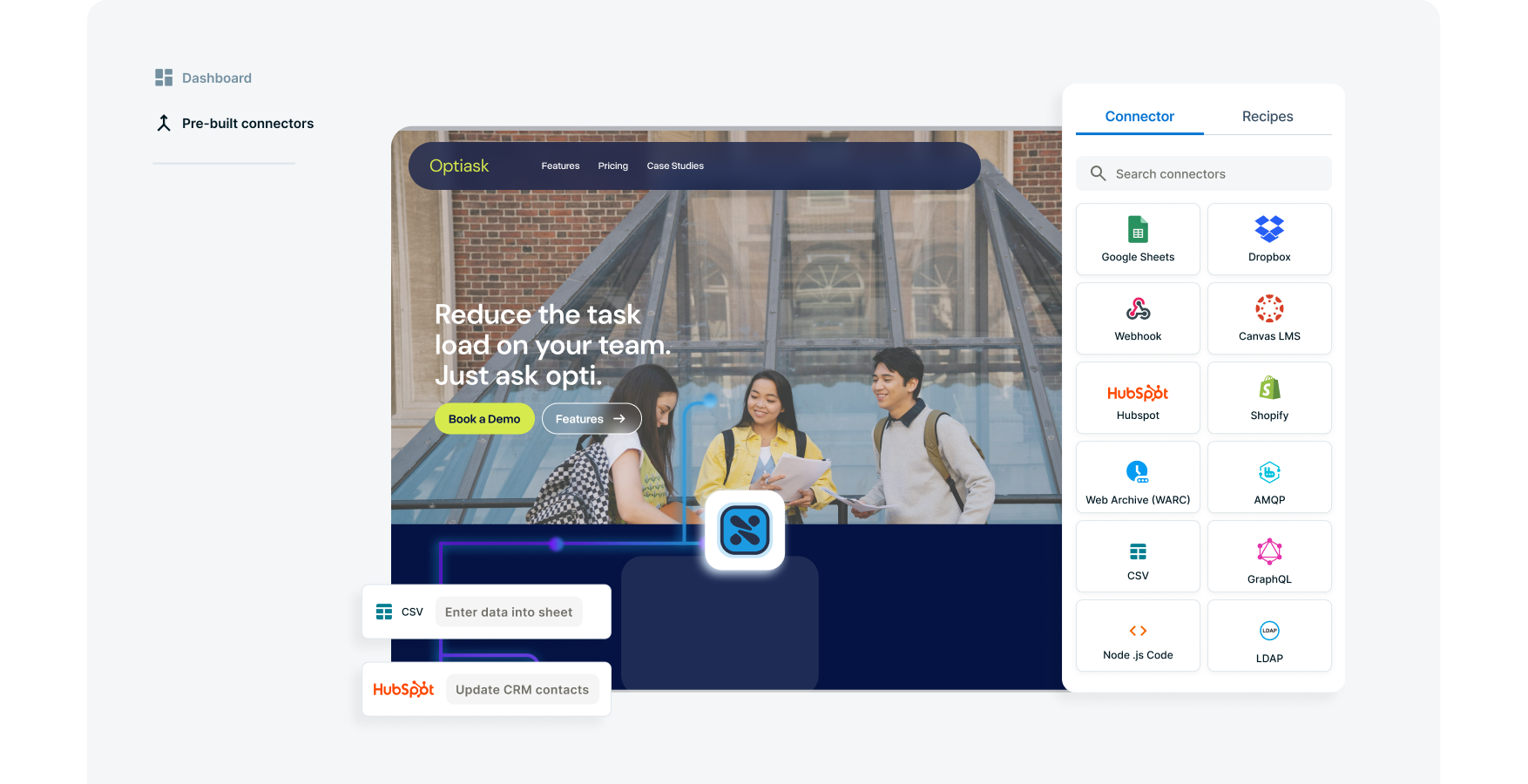
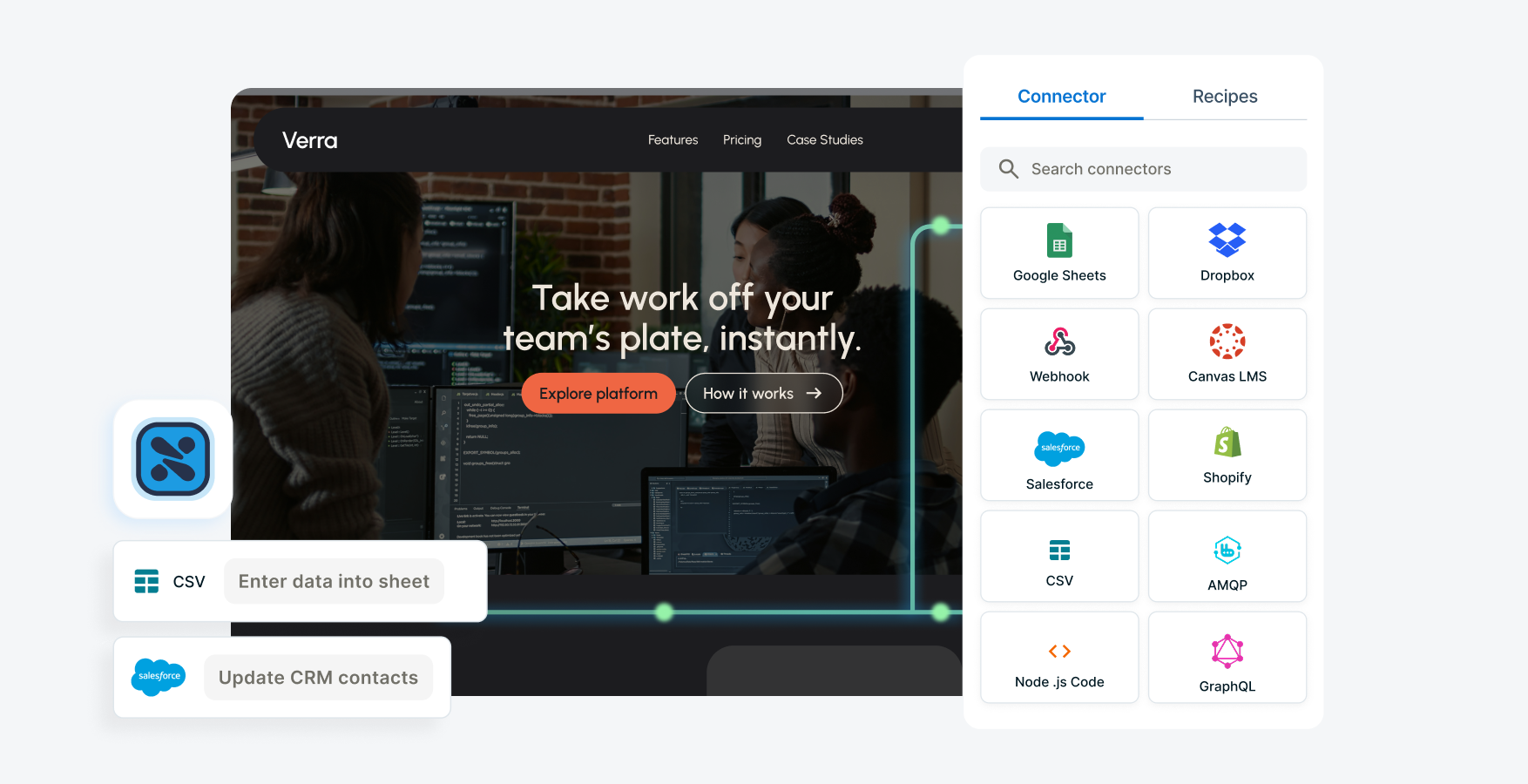
Choose from over 100 pre-built connectors to major productivity apps such as Salesforce, SugarCRM, Slack, Marketo and more.
With Squiz Digital Experience Platform (DXP)’s Integrations capability, there’s no need to worry about the technicalities of integration.
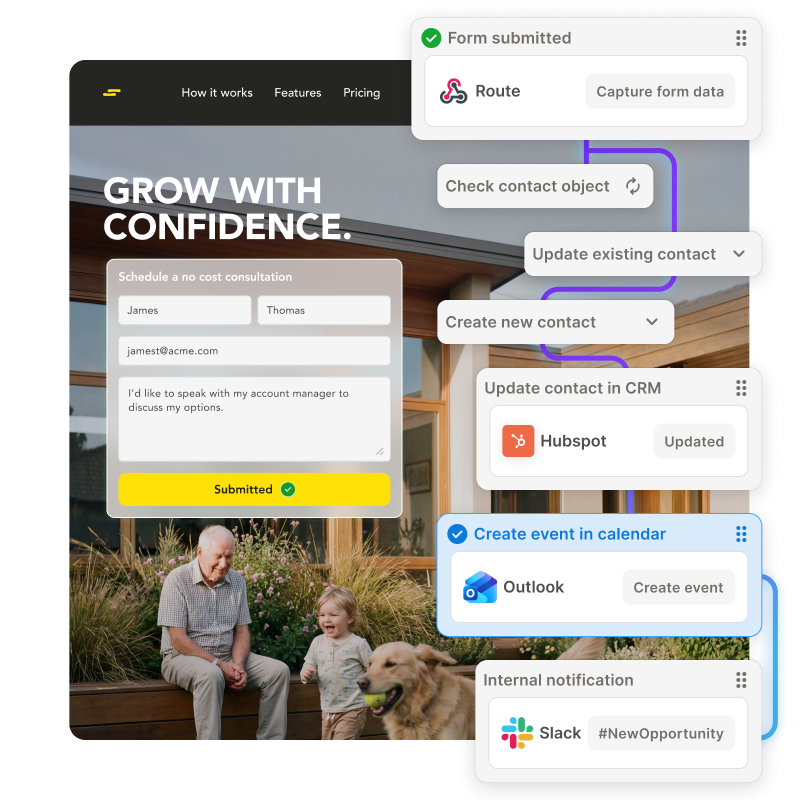
With pre-built connectors that easily connect to the most popular applications,Integrations make it easy for you to share data and automate workflows.
Choose from over 100 pre-built connectors to major productivity apps such as Salesforce, SugarCRM, Slack, Marketo and more.
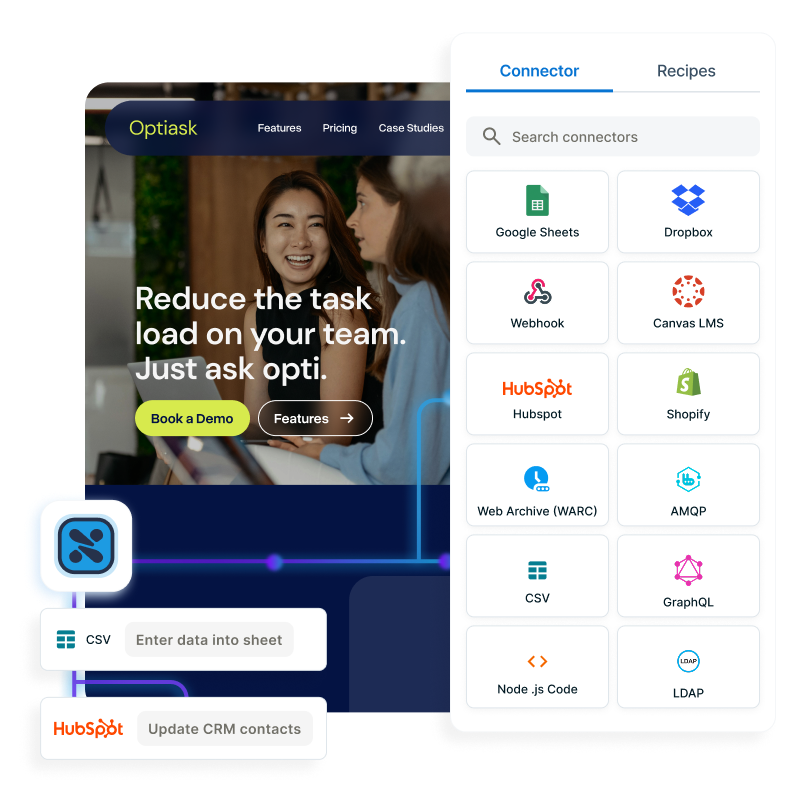
Use protocols such as REST, SOAP and GraphQL to connect Squiz DXP to any system with an API.
Video: See how it works. Captions and transcript available on playback.
Take a closer look at how connectors work in this short demo.
Hi, I’m Davila. Today I’m going to show you how Squiz Integrations offer a faster way to connect digital applications and data by reducing the time it takes to build integrations.
One of the ways Squiz does this is through pre-configured connectors that easily connect to some of the most popular applications.
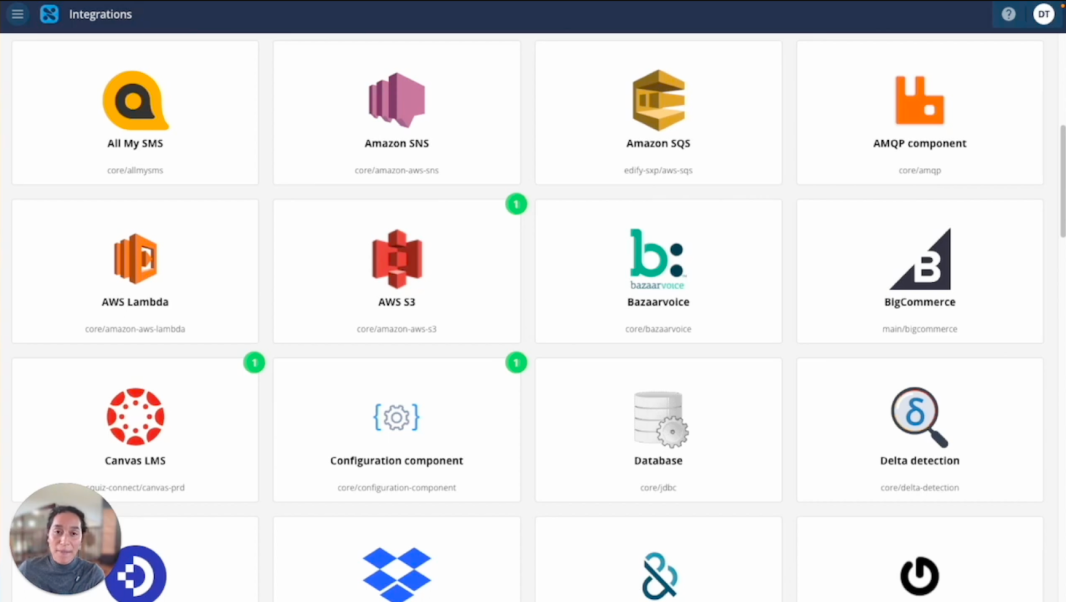
When you go into the Integrations dashboard, you’ll see a range of these pre-built connectors for major productivity and business tools such as Salesforce, Stripe, Zendesk, Marketo, and more.
One of the first hurdles when building an integration is authentication, and different platforms use different authentication methods. I’ll use the Canvas Learning Management connector as an example.
These connectors are designed to be flexible enough to support most authentication types, whether that’s an API key or OAuth2.
I’ll start by adding a new authentication client and entering my authentication details. Here, you can see the URL for my Canvas instance. I can then authenticate my credentials, which brings up my Canvas instance via the token URL so I can authorise API access for my integrations.
Once this is set up, anyone in my workspace can create new integrations with Canvas without needing to worry about authentication again.
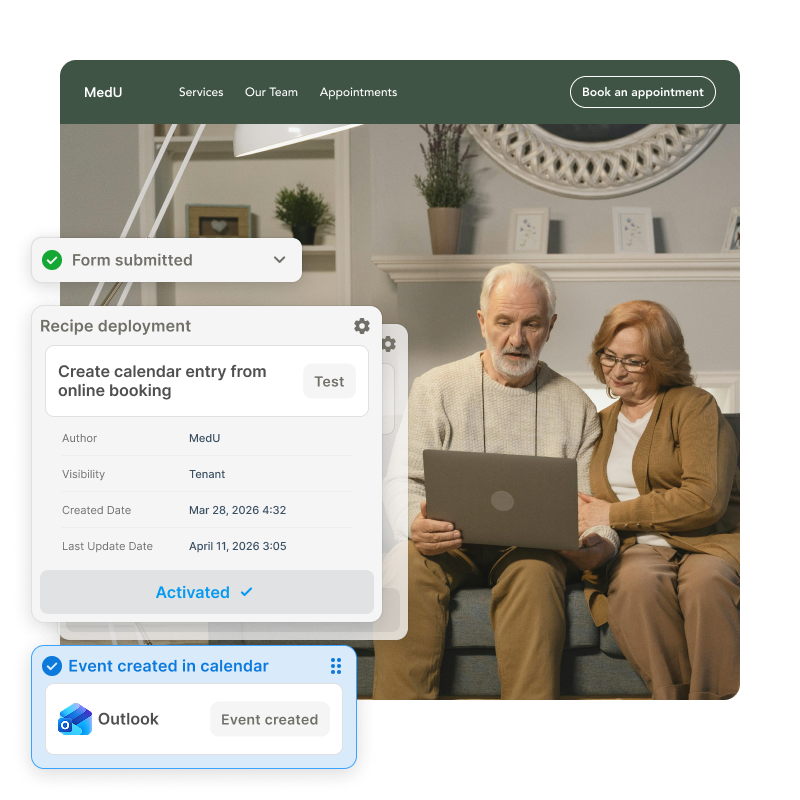
Now I’ll quickly create a new integration flow and add a step using the Canvas connector. This demonstrates another way connectors reduce development time by exposing the full list of available actions directly from the API, allowing you to build integrations using a simple point-and-click interface.
For example, you can retrieve course details, get the latest assignments to publish to a student portal, or list all students enrolled in a course.
You can see the credentials we created already applied here. From there, you can continue adding steps and combining connectors to build more complex integration flows.
For instance, you could create a workflow that retrieves the latest assignments published for a specific course.
The key point is that you don’t need to write custom code to get your applications talking to each other. Squiz handles the complex parts for you, and continues to expand its library of connectors so you can work more efficiently and reduce manual effort.
And if you do want to build your own connector, you can do that too using a set of generic components designed to help you get started.
To learn more, book a demo to explore Squiz Integrations as part of the Squiz DXP.